

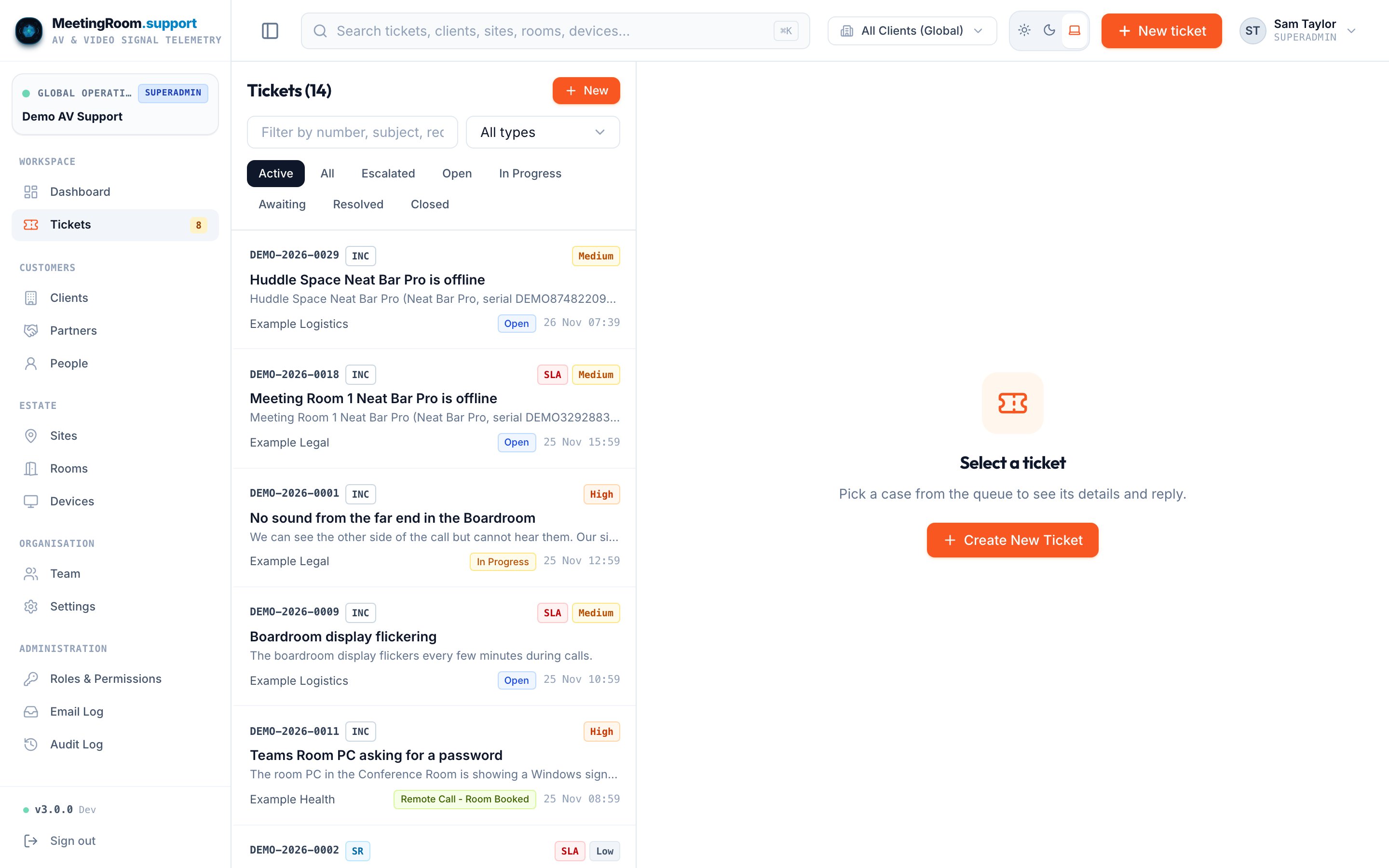
Tabs
Filtering and searching
- The box above the tabs filters the list by ticket number, subject, description, requester email or client name.
- All types narrows the list to Incidents, Service Requests, Changes or Problems.
- The client filter in the header limits the queue to one client.
- The search box in the header finds a ticket from any page.
Reading the list
Each ticket shows its number, type badge (INC, SR, CHG or PRB), priority, subject, the start of the description, client, status and when it was raised. Other badges:
Emailed tickets from someone the portal doesn’t recognise show Needs a client until a support user picks one. Only the support team sees these.