

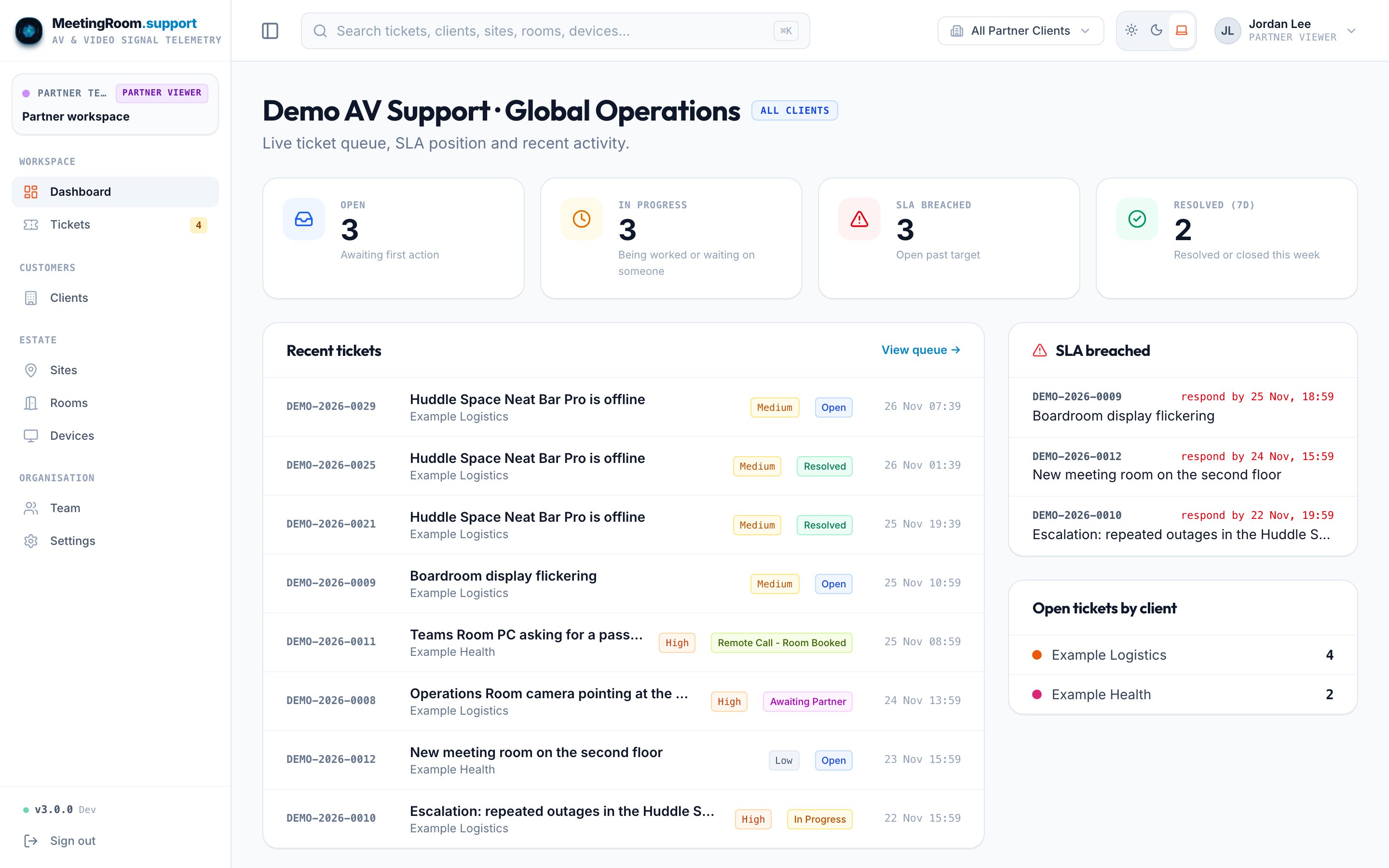
If you’re a reseller or installer who looks after some of the support team’s clients, the portal gives you a view of those clients’ tickets and kit. The dashboard as a partner user sees it

What you see

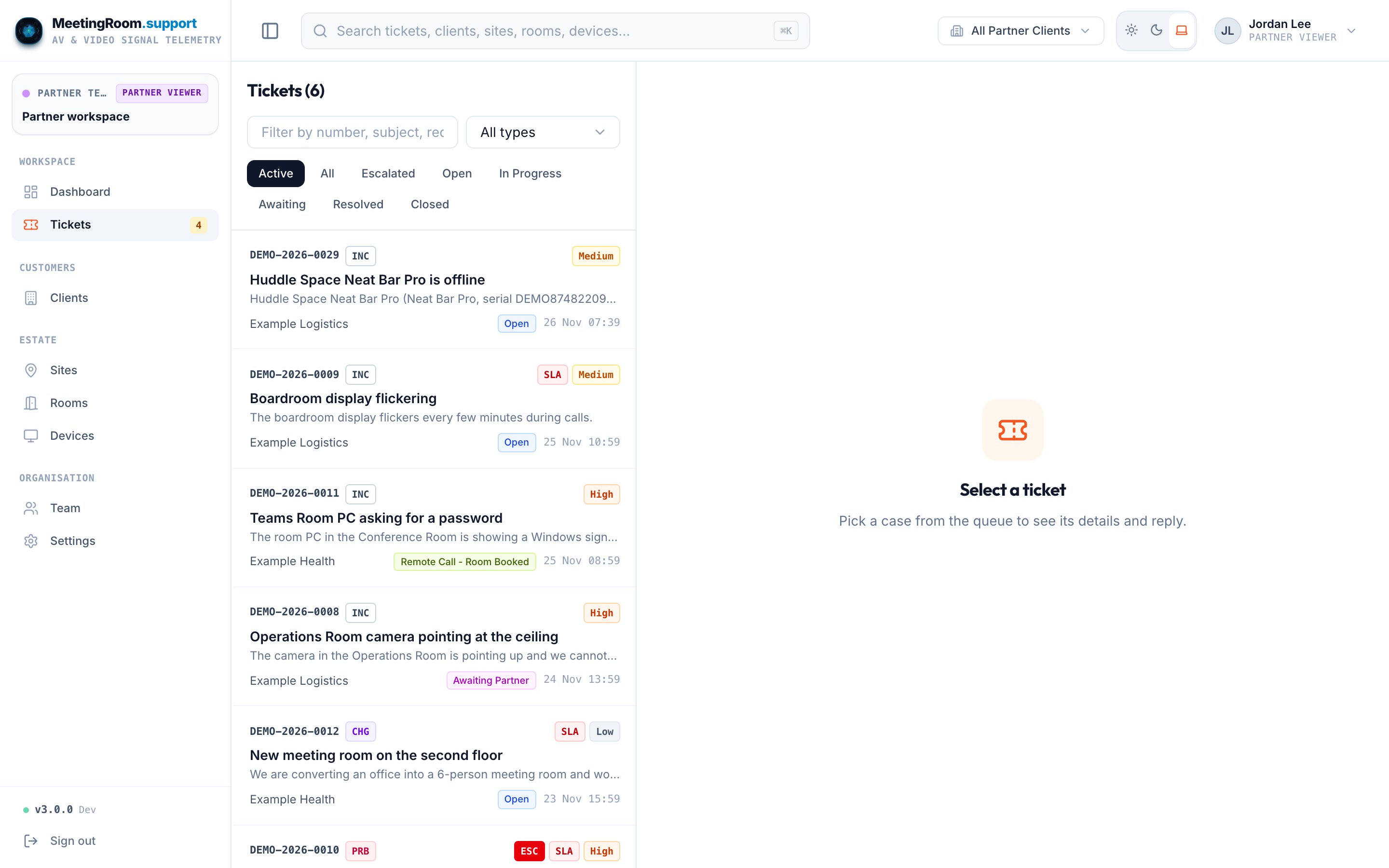
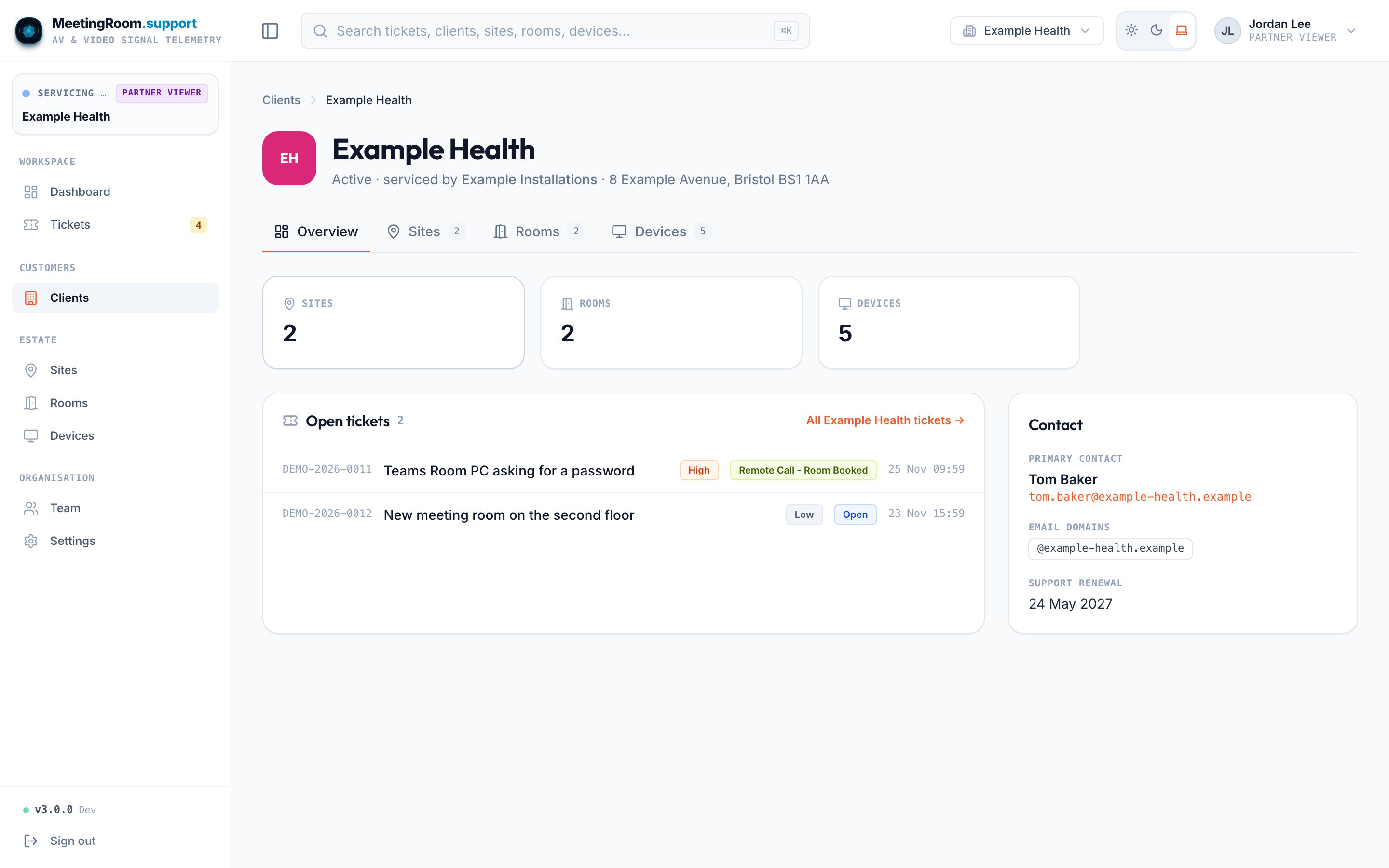
The tickets, sites, rooms and devices of the clients you look after, and nothing about any other client. You don’t see device network details or live device status. The ticket queue as a partner sees it, limited to their clients Under Clients, select a client’s name to open its page: its open tickets, contact details, and tabs for its sites, rooms and devices. A client's page as a partner sees it, without the People tab
What you can do

That depends on your role. With the default Partner Viewer role you can:
  • read every ticket for your clients, including the full conversation
  • write internal notes, which the support team sees and the client doesn’t
You can’t reply to the client, change a ticket’s status or raise tickets. If your arrangement with the support team needs more, they can give your role more permissions. See Roles and permissions.