

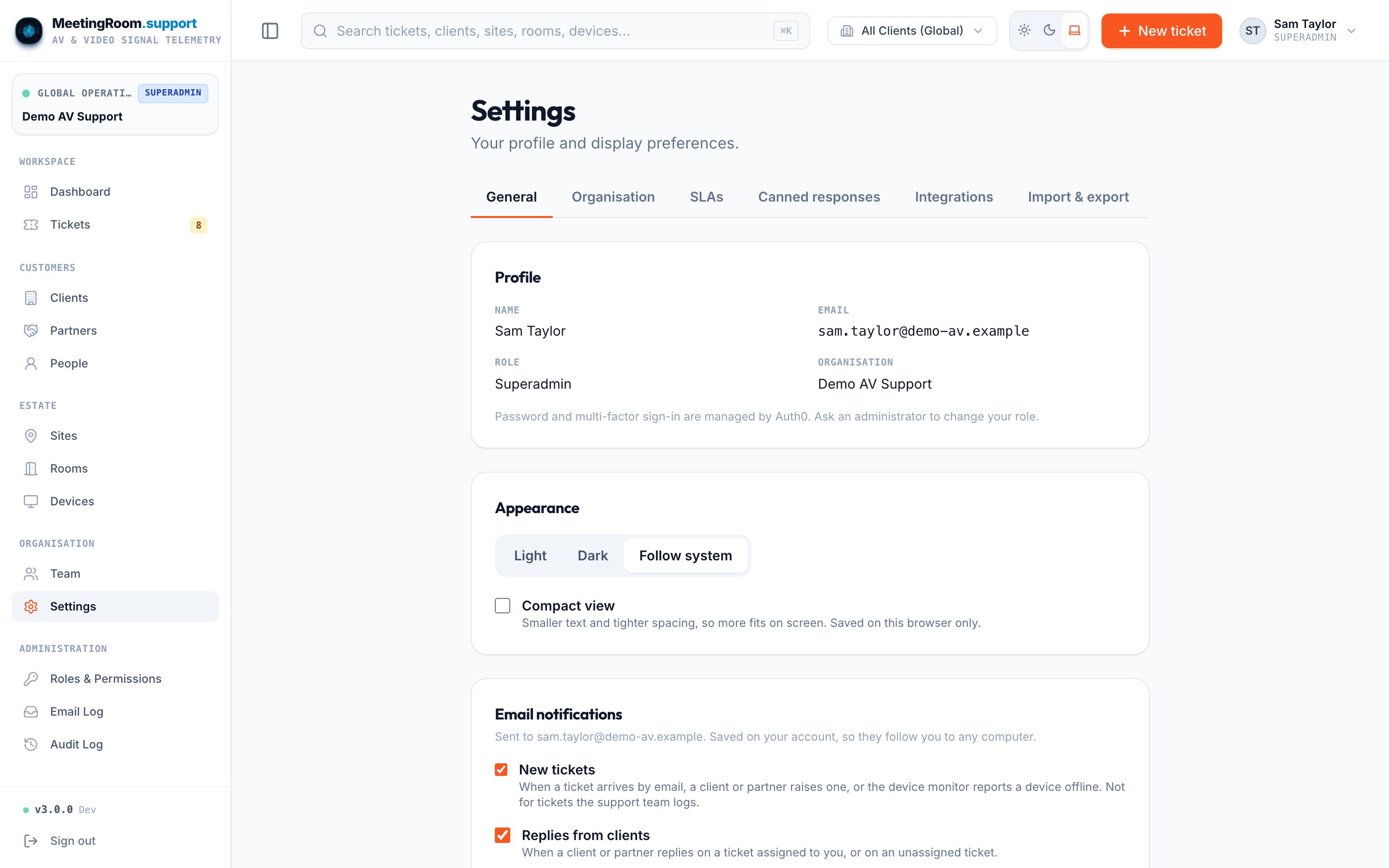
Profile
Shows your name, email address, role and organisation. You can’t change your own role: ask an administrator. Passwords and multi-factor sign-in are managed by Auth0, so change them through your sign-in provider.Appearance
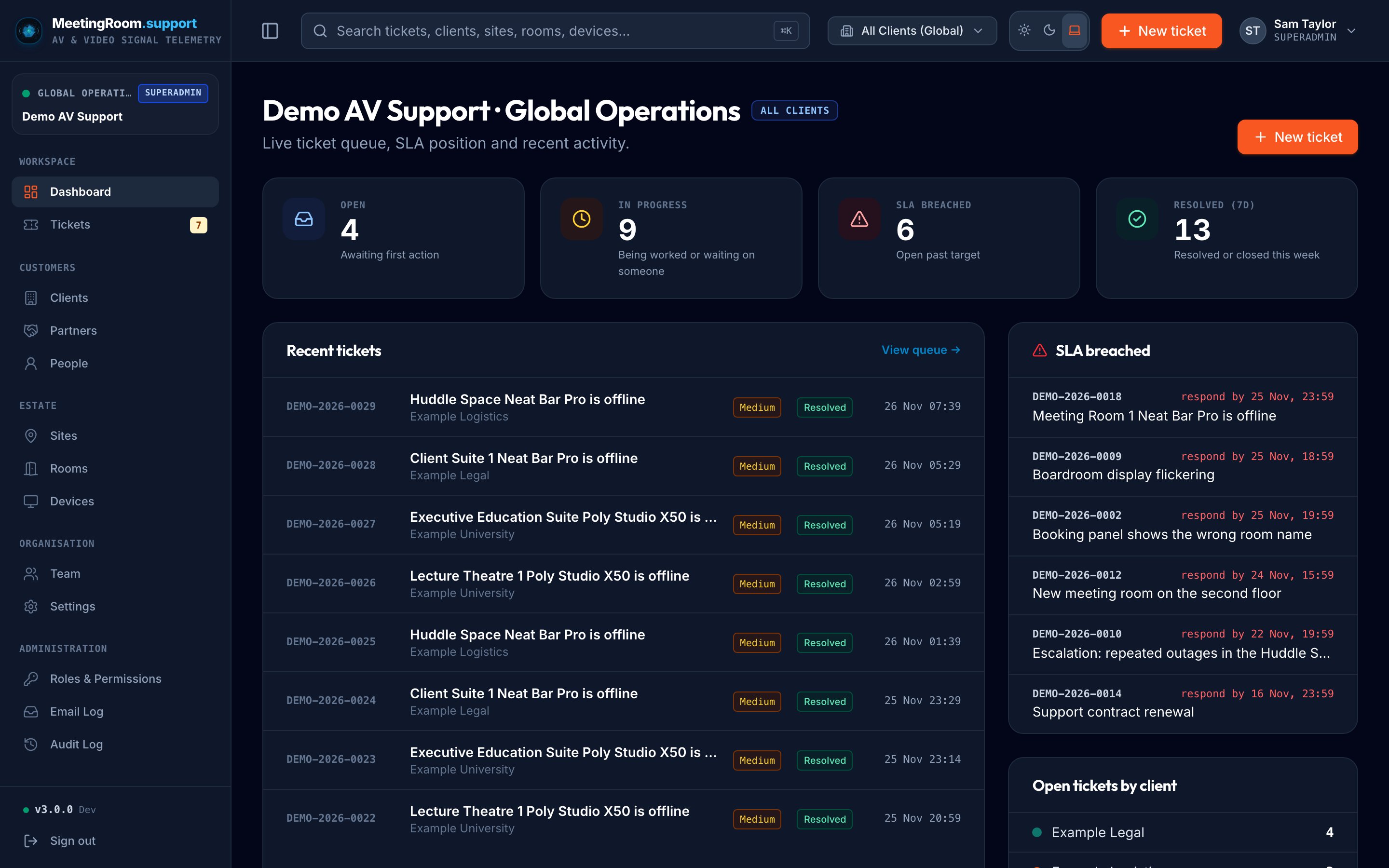
The sun, moon and screen buttons in the header switch the theme from any page.
Email notifications
Support team members are emailed when:
Untick either to stop it. The choice is saved on your account, so it follows you to any computer. You’re never emailed about something you did yourself.
Partners and client users don’t get these notifications. They’re emailed the support team’s public replies instead.
Your menu
Select your name in the top right for a few quick settings: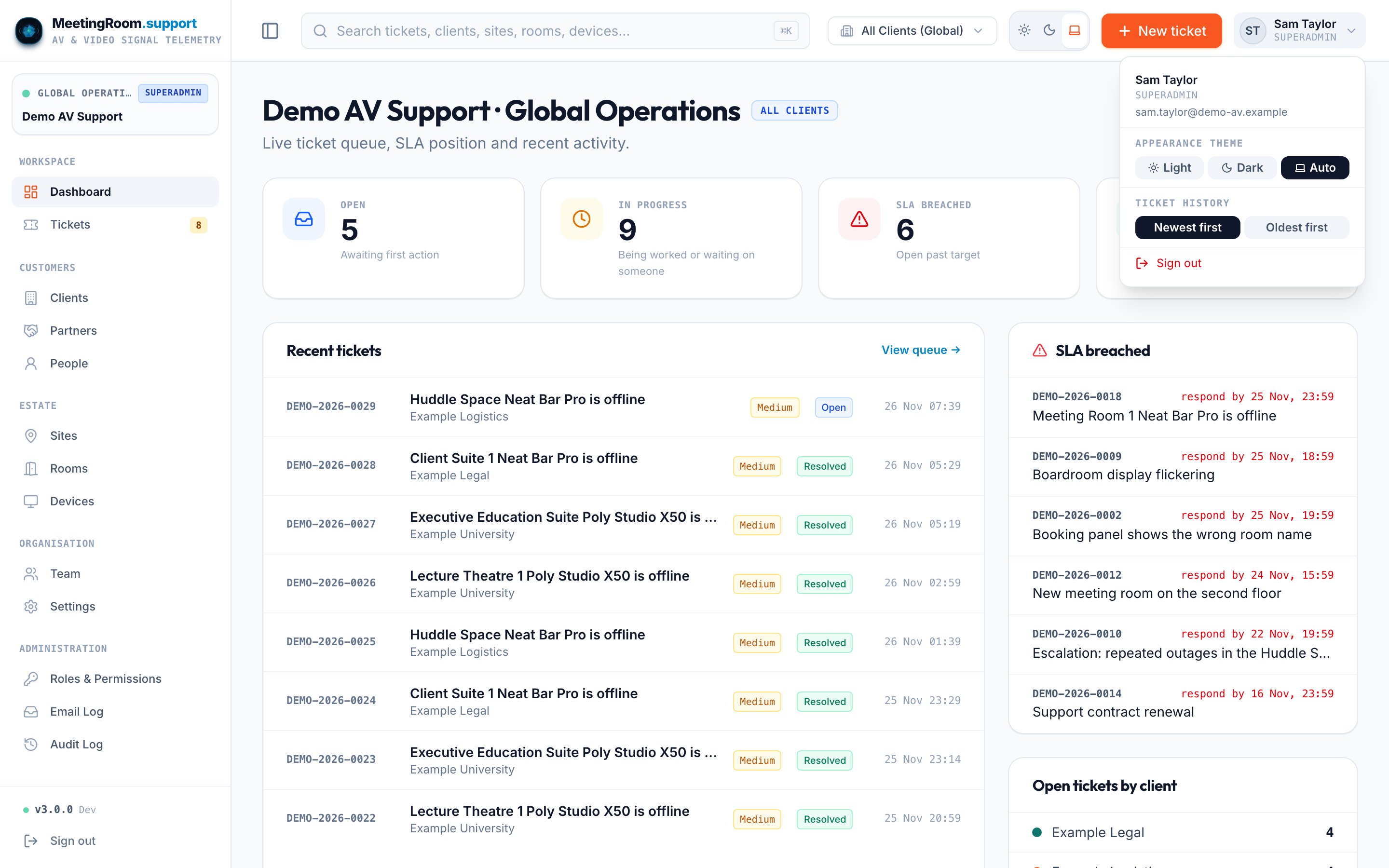
- Appearance theme: Light, Dark or Auto.
- Ticket history: show the replies on a ticket Newest first or Oldest first. Saved on your account.
- Sign out.