

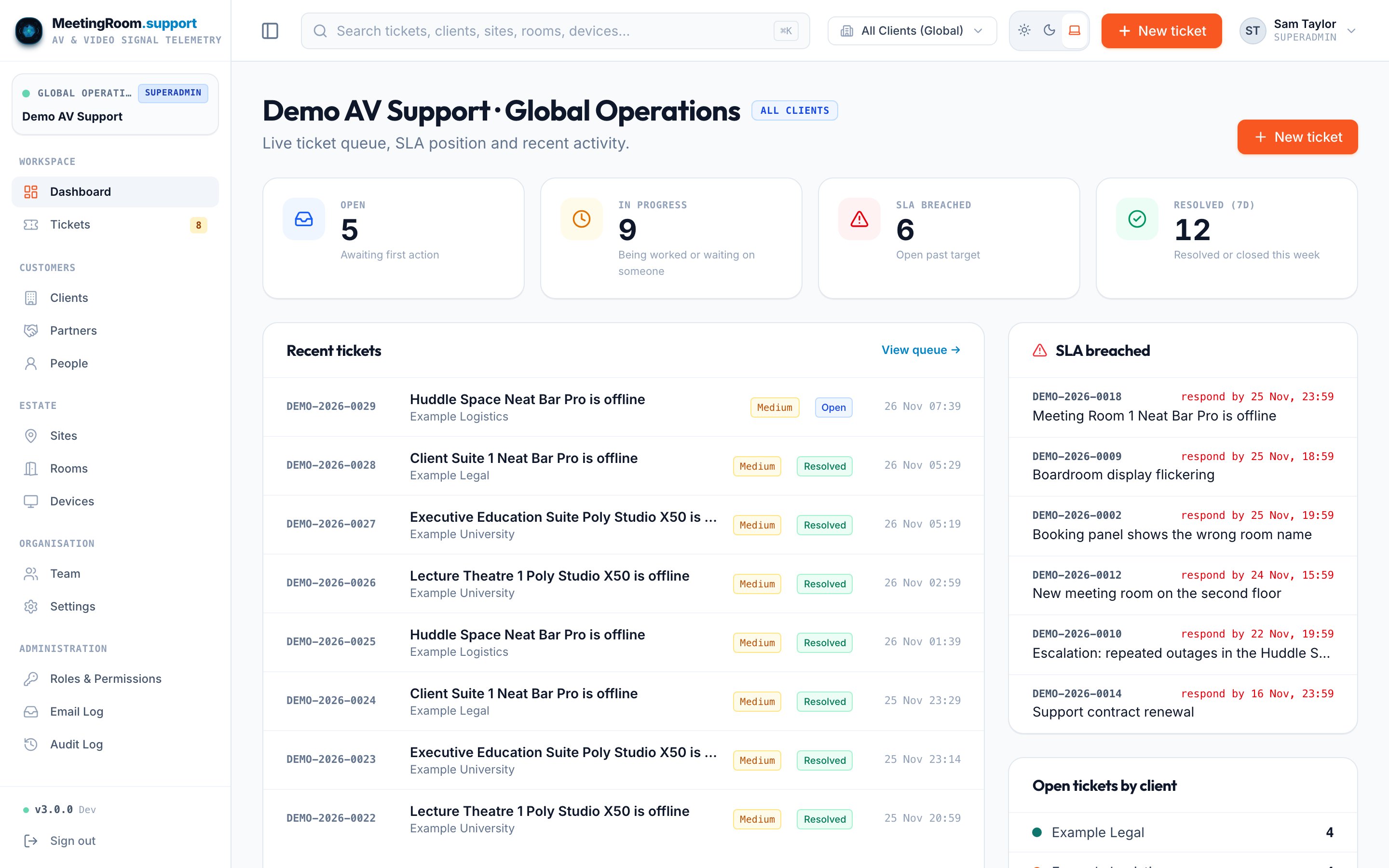
acme.meetingroom.support. Nothing in one organisation’s portal can be seen from another’s.
Find your way around
Quickstart
Sign in, find your way round the screen and raise your first ticket.
Try the demo
A working portal with made-up clients and tickets, as any of five roles.
How the portal is organised
Clients, partners, sites, rooms and devices, and who sees what.
Work a ticket
Type, status, priority, assignment, replies and internal notes.
SLA targets
Response and resolution targets, business hours and when the clock stops.
Live device status
Neat Pulse, Poly Lens and Shure Cloud, with tickets raised when a device drops off.