What you see
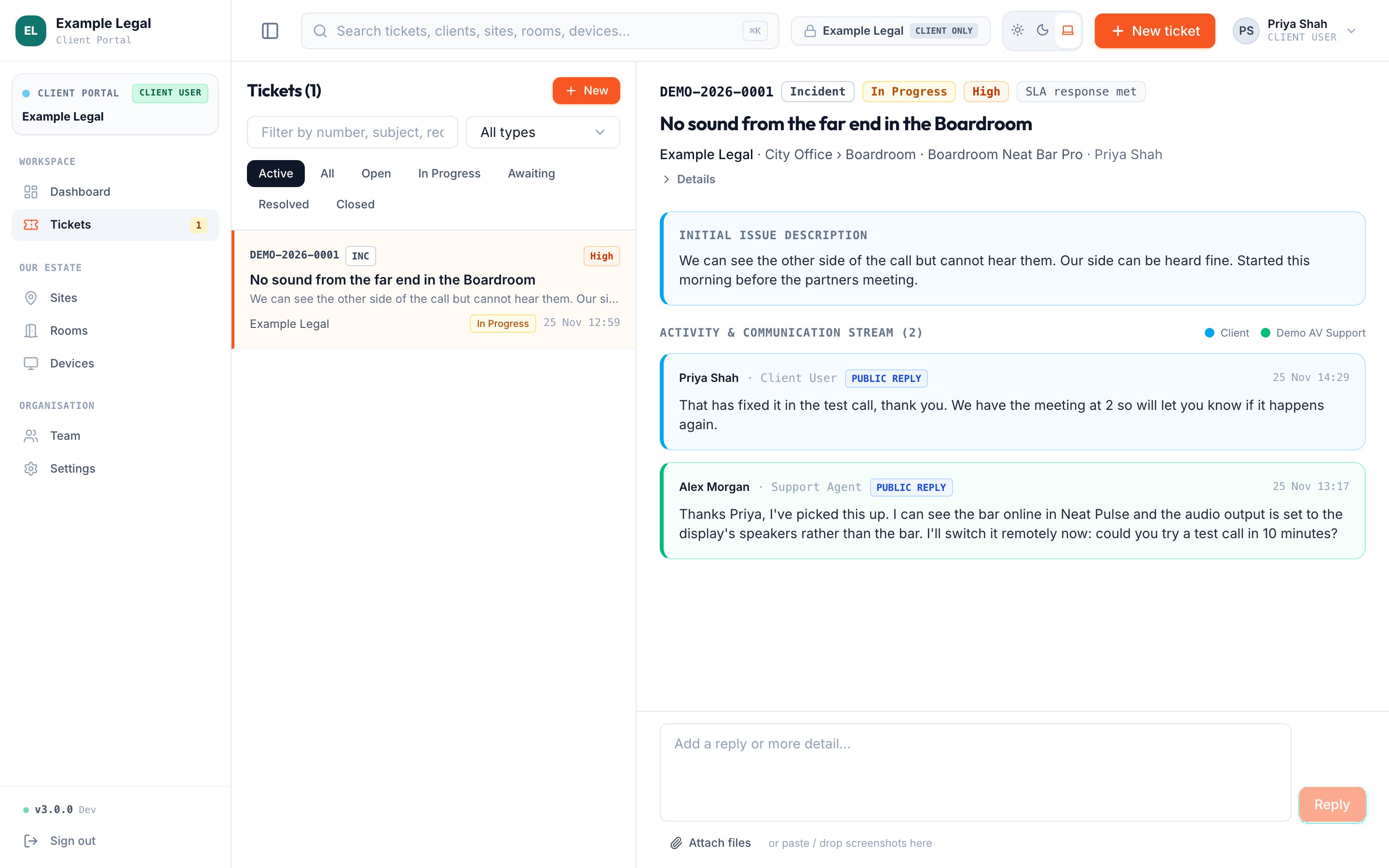
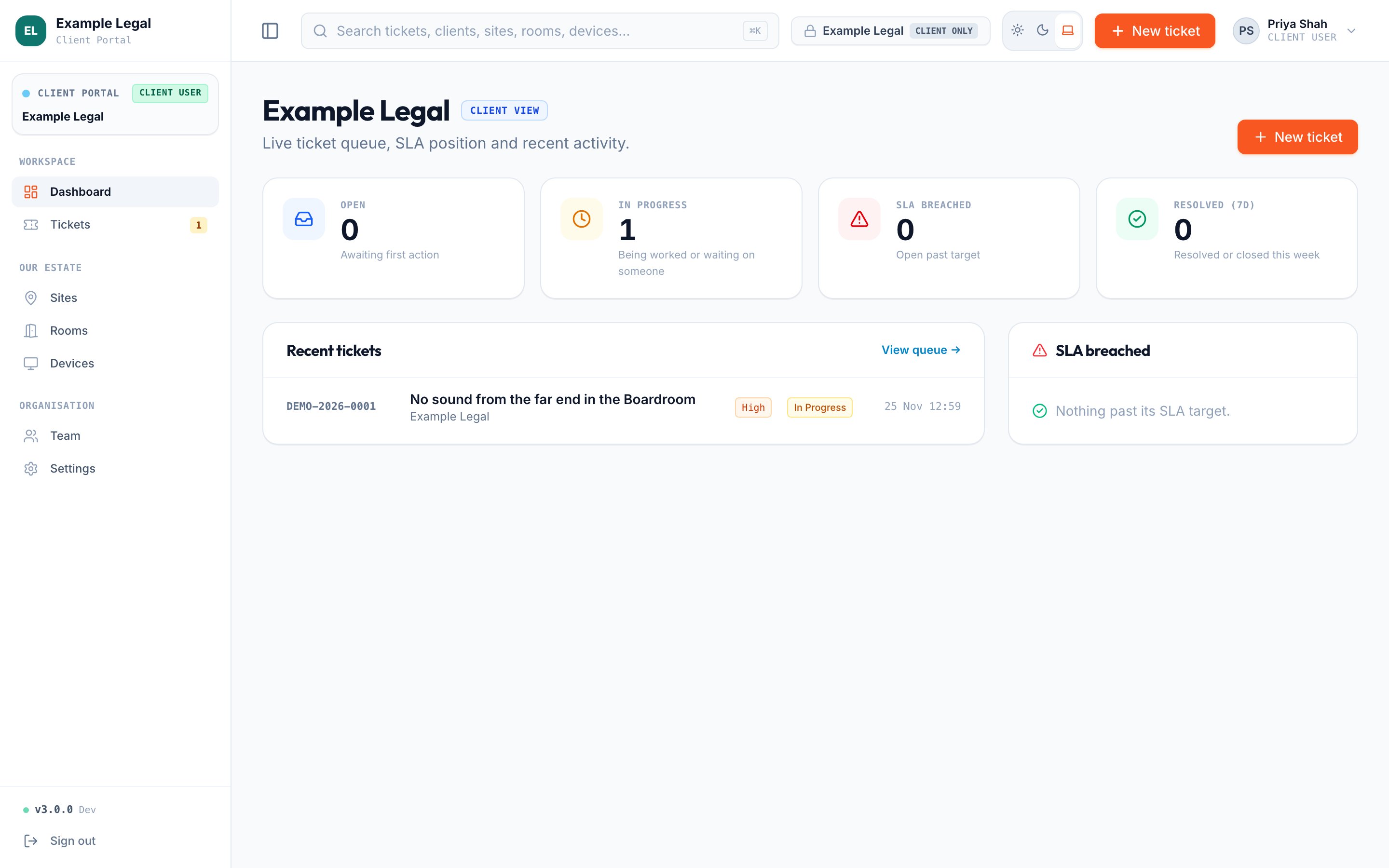
Your sidebar shows Dashboard and Tickets, your company’s Sites, Rooms and Devices under Our estate, and Team and Settings. The header shows your company with a Client only badge: you only ever see your own company’s information. By default you see the tickets you raised yourself. Your company’s User Manager sees all of your company’s tickets.Raising a ticket
Select New ticket. Choose Incident if something is broken or not working properly, or Service Request if you need something set up, provided or changed. Pick the room and device if you can: it saves the engineer working it out. Choose the priority honestly: Critical means a room is down and something important depends on it. See Raising a ticket. You can also just email the support address. Your email becomes a ticket and you get an acknowledgement with the ticket number. See Tickets by email.Following a ticket