

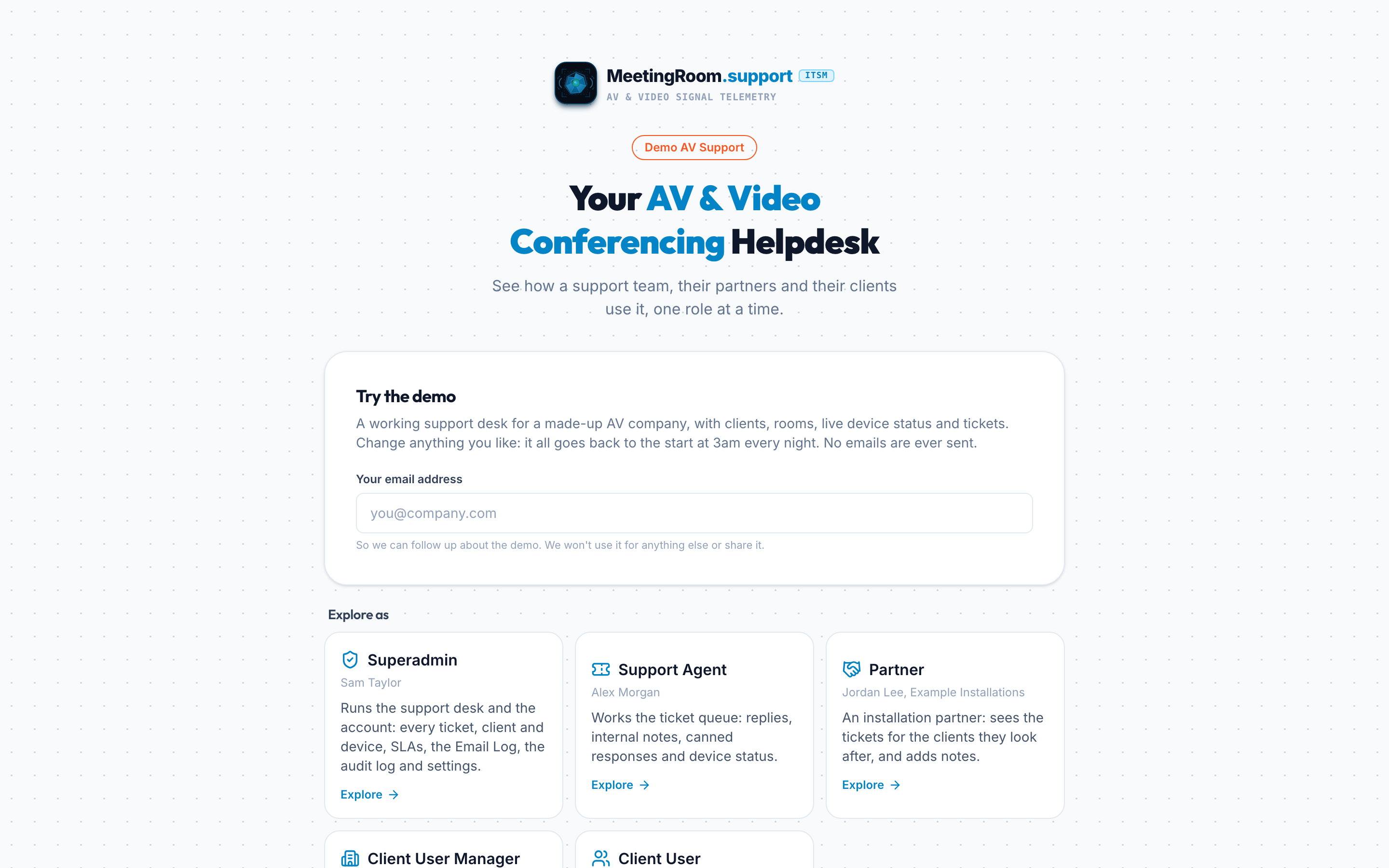
Getting in
- Enter your email address. It’s only used to follow up about the demo.
- Choose who to explore as:
A banner across the top of every page says who you’re exploring as. Switch role takes you back to the start to pick someone else.
What’s real and what isn’t
- Tickets, replies, notes, statuses, SLAs and escalations all work as they do in a real portal. Change anything you like.
- Device status comes from stand-ins for each client’s Neat Pulse and Poly Lens. Some devices drop off for a while every few hours, so you’ll see tickets raised and resolved by the device monitor through the day.
- Rewrite with AI tidies a draft into a reply, but no AI model is used.
- No email is ever sent. Every email the portal would have sent is in the Email log as not sent.